
It's not optimum but I finally figured out how to force the HDMI output to 1280 X 720 which is the only way I could get it to display the whole PC screen on the TV.
I had to disconnect HDMI to post this blog because the resolution was too low for the pictures I took to show.
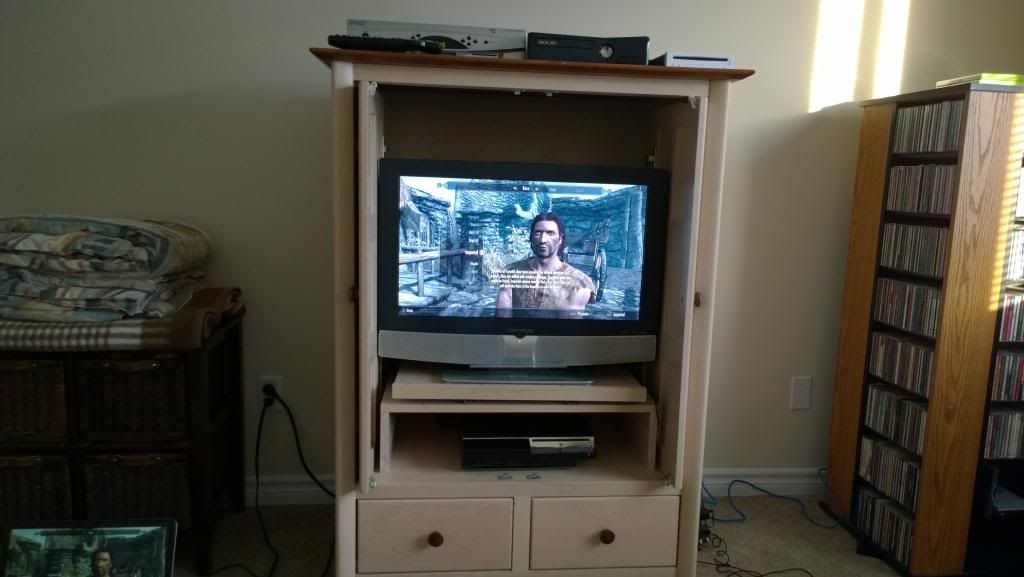
Here's what it looks like:
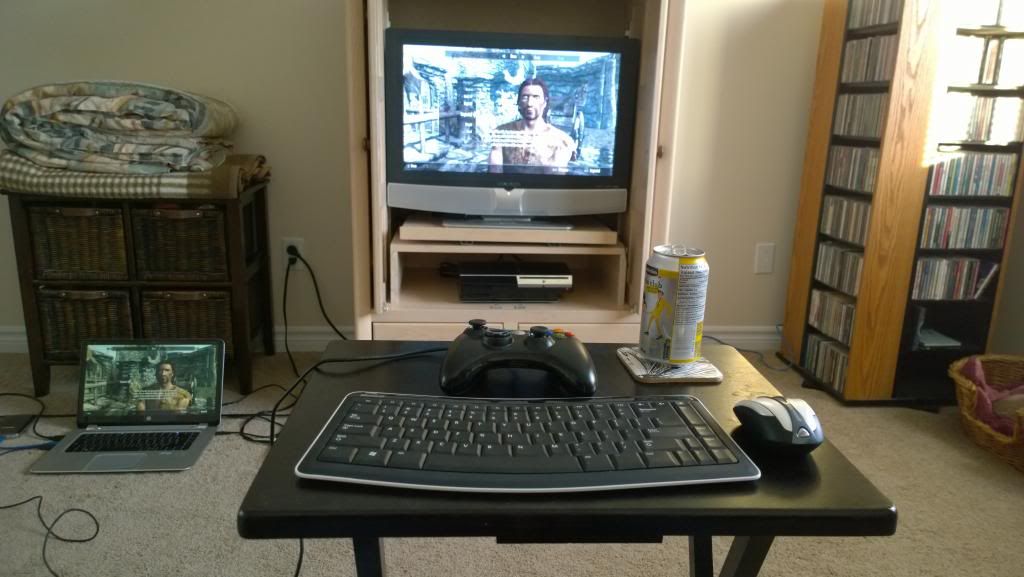
I have a Microsoft Bluetooth keyboard and mouse and a 360 wired controller. They work just fine at that distance. The colours don't look nearly as good on the TV but overall not awful.
I'm at the beginning of Skyrim here. Just at the part where you create a character.
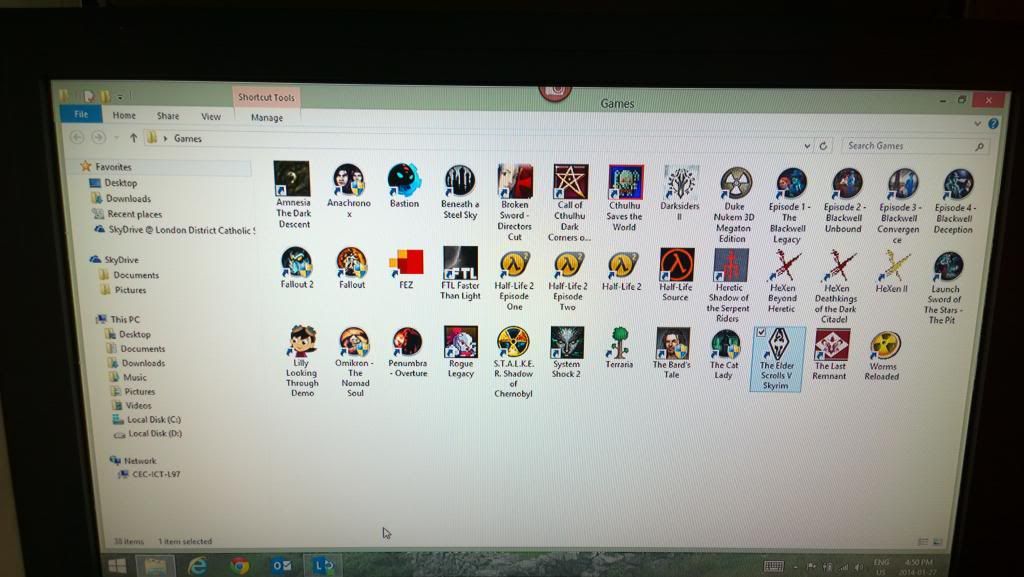
Here's a picture of what is on the external hard disk at the moment.Maybe you can make out some of the icons.
Not sure if I'm going to use this setup too often but it would be nice to play some of my PC games while relaxing on the couch.
Good to see it working, and if you can have a different setups for the screen you can adjust it for your PC (I have a Vivid screen when watching TV, and a custom setting for the PC). I say if it works, roll with it, and by looking at your games in your library, there's going to be a lot of gaming that's going to happen!
That's not even all of my games. I have over 70 just on Steam and I don't even game on PC usually. LOL.
With all the sales though I'm thinking I'll see if it works for me like this.
Good for you, tech issues are the worst. I'm struggling to get a network cable working on my new laptop I was planning to wire up because wireless speed was choppy only to find out it couldn't detect a thing.
I need one of those tables you have, and i've downloaded one game so far but haven't installed.
"Les sigh"
Being an IT guy I kinda knew what needed to be done, what I didn't know is where to find it. The graphics on that laptop are Intel integrated (crappy I know) and there is a special tool for messing with it. Once I set the resolution down to 1280 X 720 I still had to screw around with the screen size to get it to fit.
At least you got it working even if the resolution isn't maxed out. We have a lot of the same games and it looks like a nice setup. Especially that TV tray.
The cool thing is that the keyboard is small enough to fit on my lap so if I want to sit back on the couch I can just put a mousepad on the couch and use the mouse from there. :)
Well if I open image in new tab, I don't have to guess at what the icons mean, the titles are right there. lol Oh Fez, you and your fucking blinking screen.
For some reason I thought that picture was blurry but it turned out pretty clear for a quick snapshot off the TV.
Looking good. I might buy a 360 controller in the future, since there are games that work better with the control (like Skullgirls).
The wired controller for PC is actually the same wired controller as the 360 model but it's 10 bucks cheaper (in Canada). They just put it in a different package. LOL
If you have a 360 wireless controller there are actually PC adapters available for less than 20 bucks (in Canada).
How do you like gaming on the Windows 8 OS? I was too chicken and got Win 7 instead.
So far so good. Most things work but some require tweaking and/or compatibility settings
You got it working, cool!
I'd love to do something like that eventually, maybe I'll get the chance if I ever upgrade from my SDTV.
HALF LIFE 2?!?! Booo! Hiss! Hiss!
At least you got it to work. It's odd that you have to not only force it to show on the screen but you have to unplug it because the picture resolution won't show up on it.
Is the video card that picky?
I think it's the TV's fault.
I take it you don't like Half Life 2.
Cool. I'll have to try doing something like that.